FAVORIT / PinMaster
Pinterest automation prototype
PinMaster desktop prototype for FAVORIT: parsing, uniquifying, and publishing pins for channel marketing tasks.
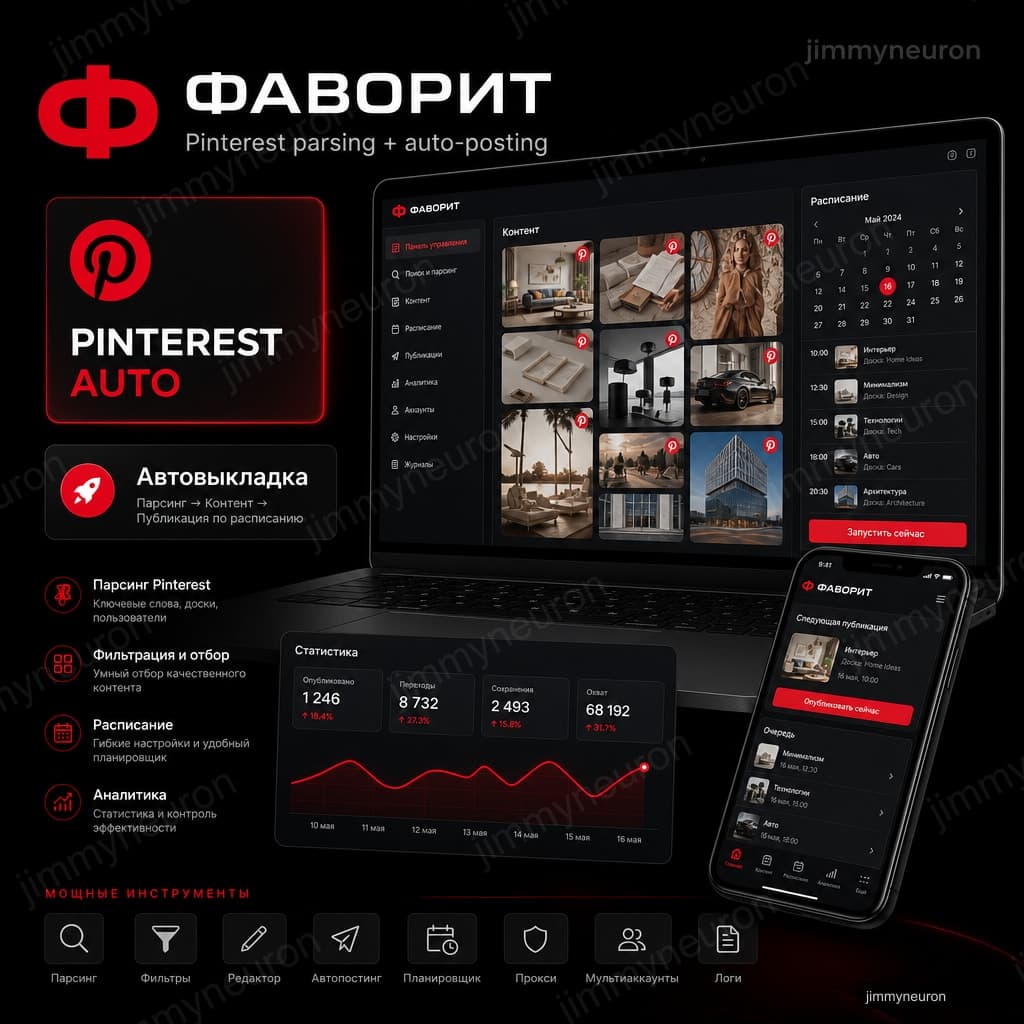
local prototype
Status
parsing → AI → posting
Pipeline
Pinterest
Platform
not launched
Production
- 01 · Client
FAVORIT is JimmyNeuron’s e-commerce and content-automation line.
- 02 · Challenge
Parsing + uniquification + posting in one pipeline.
- 03 · Solution
We built the PinMaster desktop prototype: account auth, AI API, parsing, uniquify, and publish modules.
- 04 · Result
Built a working PinMaster desktop prototype: auth, AI API, parsing, uniquifying, and pin publishing.
Desktop prototype for parsing and posting to Pinterest
About the client
FAVORIT is JimmyNeuron’s e-commerce and content-automation line. PinMaster is a desktop contour for Pinterest marketing: parsing, uniquifying, and publishing.
The challenge we started with
- Parsing + uniquification + posting in one pipeline
- Everything worked correctly locally - stability broke on hosting
- The client wanted cloud/hosting, not just a desktop at the operator's
- Scaling turned out to be expensive - the budget could not cover moving to a full MVP
What we built in the prototype
The PinMaster Mac app: a sidebar with account and AI API status, connection check, and Account / Parsing / Results / Publishing sections. We laid out the full operating path: connect the API → parse → review results → publish.
What worked
The parsing, uniquification and posting system worked correctly in a local run. This confirmed the product hypothesis as a desktop tool for Mac for the FAVORIT team.
Where we got stuck
The client wanted hosting and remote scale. On a server the pipeline behaved differently: parsing/uniquification/posting were harder to stabilize outside a local machine. Scaling inflated the scope of work and the cost.
An honest outcome
The project was not completed: we did not reach a full MVP and production hosting because of the technical complexity of scale and the budget. We keep the case as prototype experience - with a PinMaster screenshot and without dressing it up as a "successful launch".
Gallery
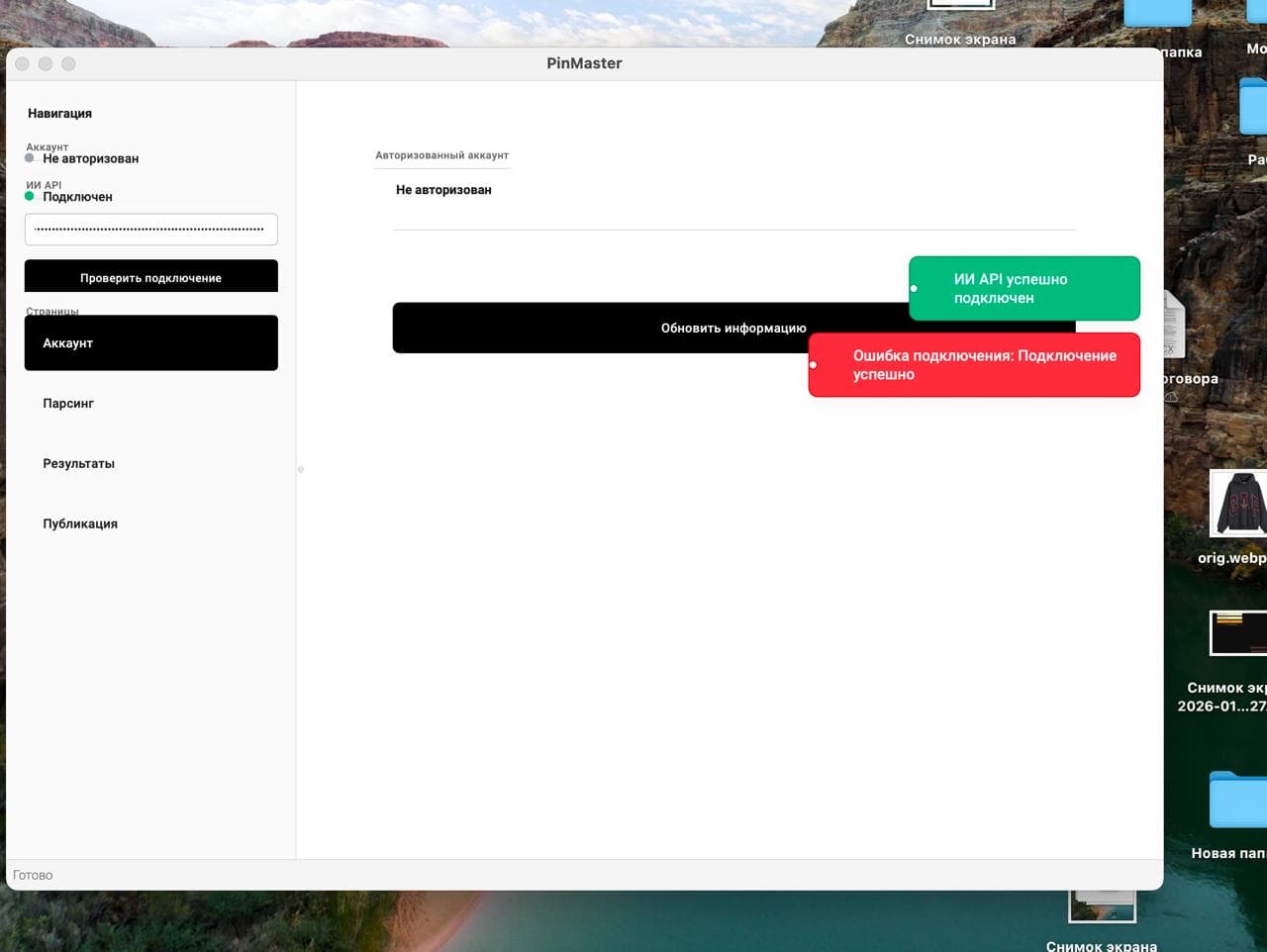
How it works
User scenario
- The operator opens PinMaster on a Mac
- Connects the AI API and account
- Runs parsing → results → publishing locally
Team / admin scenario
- Sets up the API and parsing/posting scenarios
- Checks stability locally
- Hosting/scale assessment - this is where the project stopped
Technology
- Format
- Desktop Mac · PinMaster prototype
- Pipeline
- Parsing → uniquification → posting
- Status
- Not completed · no hosted MVP
Timeline: Prototype · desktop parsing and posting contour
Result and business effect
Built a working PinMaster desktop prototype: auth, AI API, parsing, uniquifying, and pin publishing. Module architecture supports growing content-automation scenarios for the channel.
A fit if you need
- Your marketing is drowning in manual pin posting - AI agents
- You need a desktop tool for Mac, not yet another web dashboard - Web applications
- Pinterest should drive traffic to your media/landing pages - AI agents
Need content automation with an honest scale estimate?
Describe the channel (Pinterest etc.) and whether you need hosting from day one - we’ll say where a prototype is cheap and where scale budget lives.

SportsAge AI
AI tips for football matches
Web tips service: leagues, match card, outcome breakdown. About 200,000 ₽/mo for the client for 6+ months.
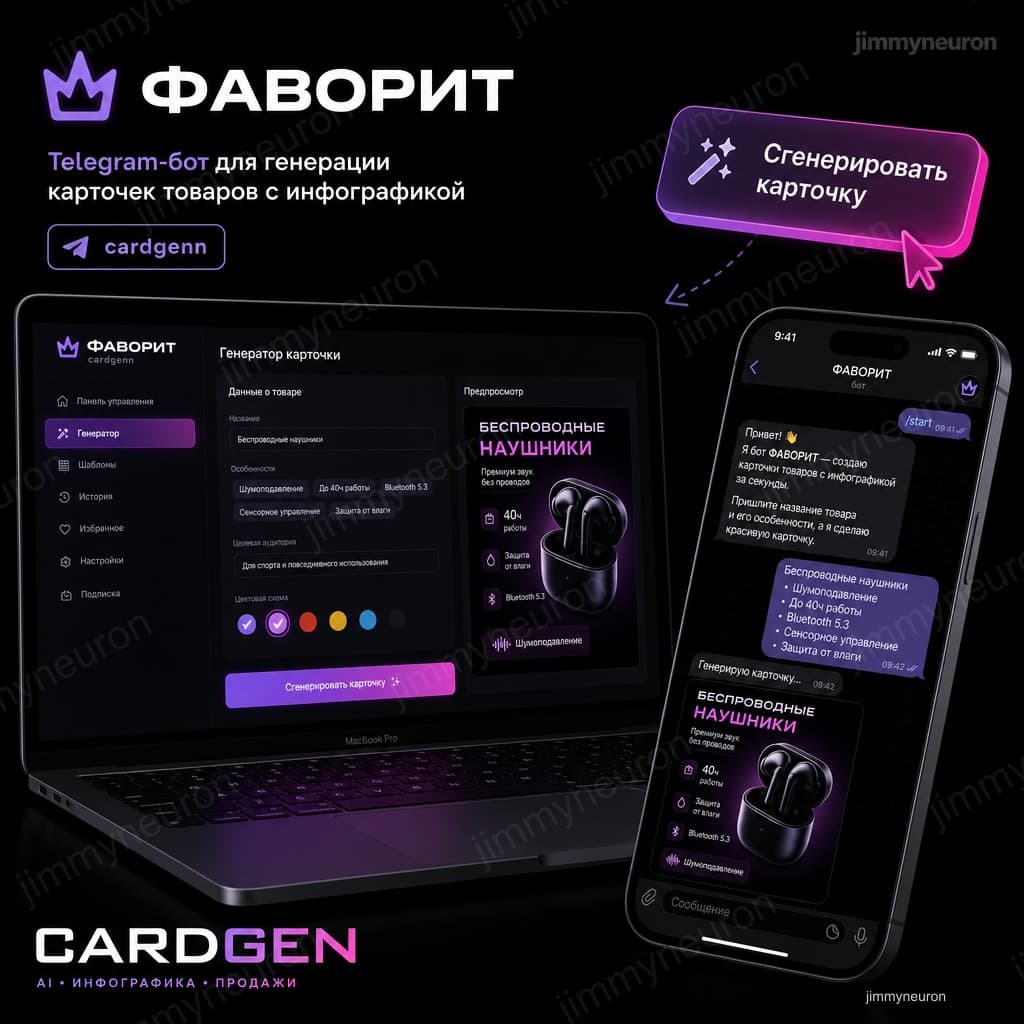
FAVORIT
Telegram bot for marketplace cards
SaaS stage 1: a Telegram bot builds marketplace product cards. Continued as web v2.

FAVORIT
Web SaaS for marketplace cards
Stage 2: realtime generation, premium UI, infocard and model modes.